
Most Pakistani households never look closely at their actual electricity meter. They simply rely on the bill that arrives every month. But knowing how to read your meter is one of the most useful skills for catching billing errors, tracking real-time usage, and understanding exactly where your units go. Meters in Pakistan come in two main types: analog (electromechanical) meters and digital (electronic) meters, and each is read differently.
Types of Electricity Meters Used in Pakistan
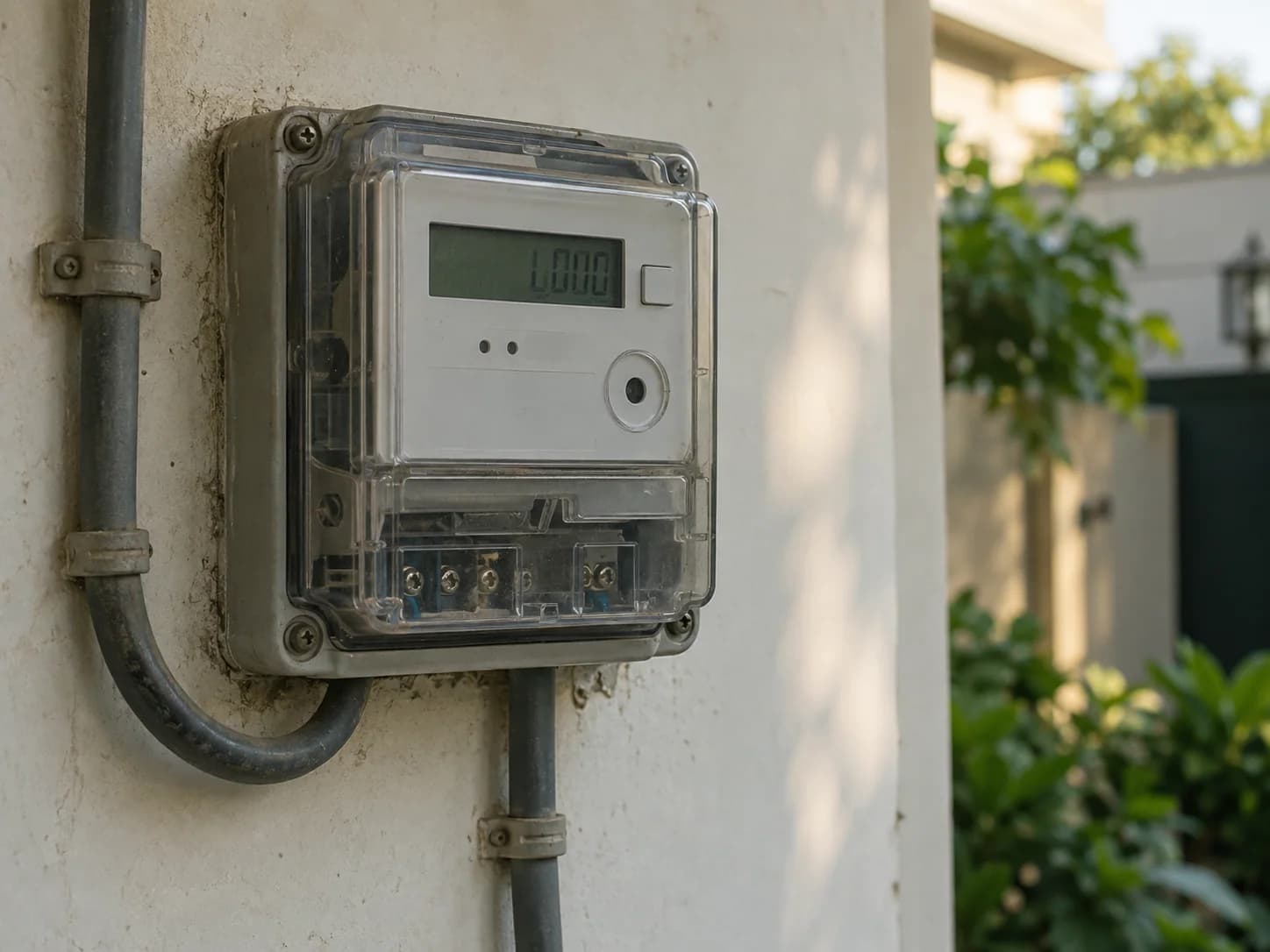
Older connections, especially in rural areas and older urban buildings, still use analog meters with a spinning aluminum disc and mechanical dial pointers. Most DISCOs have been rolling out digital meters with LCD/LED displays over the past several years, and some newer installations include smart meters capable of remote reading and Time-of-Use (TOU) tracking.
How to Read an Analog (Dial) Meter
An analog meter has a row of small dials, each with a pointer that moves clockwise or counter-clockwise. To read it correctly:
- Read the dials from left to right
- Note the number the pointer has most recently passed (not the number it is closest to)
- If a pointer sits between two numbers, always take the lower number
- Adjacent dials often rotate in opposite directions — this is normal for gear-driven analog meters
- Write down all digits in order to get your total units reading (in kWh)
How to Read a Digital Meter
Digital meters are far simpler to read, they display the cumulative units consumed directly on an LCD screen, usually labeled 'kWh' or 'Total'. Some digital and smart meters cycle through multiple screens automatically (showing voltage, current, and cumulative units in sequence), so wait a few seconds if the first screen you see does not show total kWh.
Advertisement
Understanding What a 'Unit' (kWh) Actually Means
One unit equals one kilowatt-hour (kWh), the energy used by a 1,000-watt appliance running continuously for one hour. So a 100-watt fan running for 10 hours uses exactly 1 unit. A 1.5-ton inverter AC (roughly 1,200–1,500 watts on average load) running for 8 hours can use close to 10–12 units in a single day, which explains why AC-heavy months push consumption so much higher.
How to Cross-Check Your Bill Against Your Meter
Take your current meter reading and subtract the 'previous reading' shown on your latest bill. The result should match the 'units consumed' figure on the bill (allowing for a few days' difference since the meter reading date and your bill generation date are not identical). If there is a large, unexplained mismatch, note down both readings with the date and contact your DISCO's complaint center to request a re-check. You can view your official bill anytime using your reference number on CheckBills.pk.
Meter Number vs Reference Number — Don't Confuse Them
Your meter number (printed on the meter itself) is different from the 10–14 digit reference number printed on your bill, which is what you use to check or pay bills online. The meter number rarely changes unless the meter is physically replaced, while the reference number is tied to your consumer account.
Next step
Compare your meter reading with your latest bill
Choose the provider printed on your bill and review the reference before opening the official PITC copy.
Check a bill →Advertisement